Welcome
IceFold is a creative platform for developing ideas and making ads, animation and short films with AI. Your assistant is a creative partner from the first thought through direction, production and revision.
Find your direction. Bring it to life
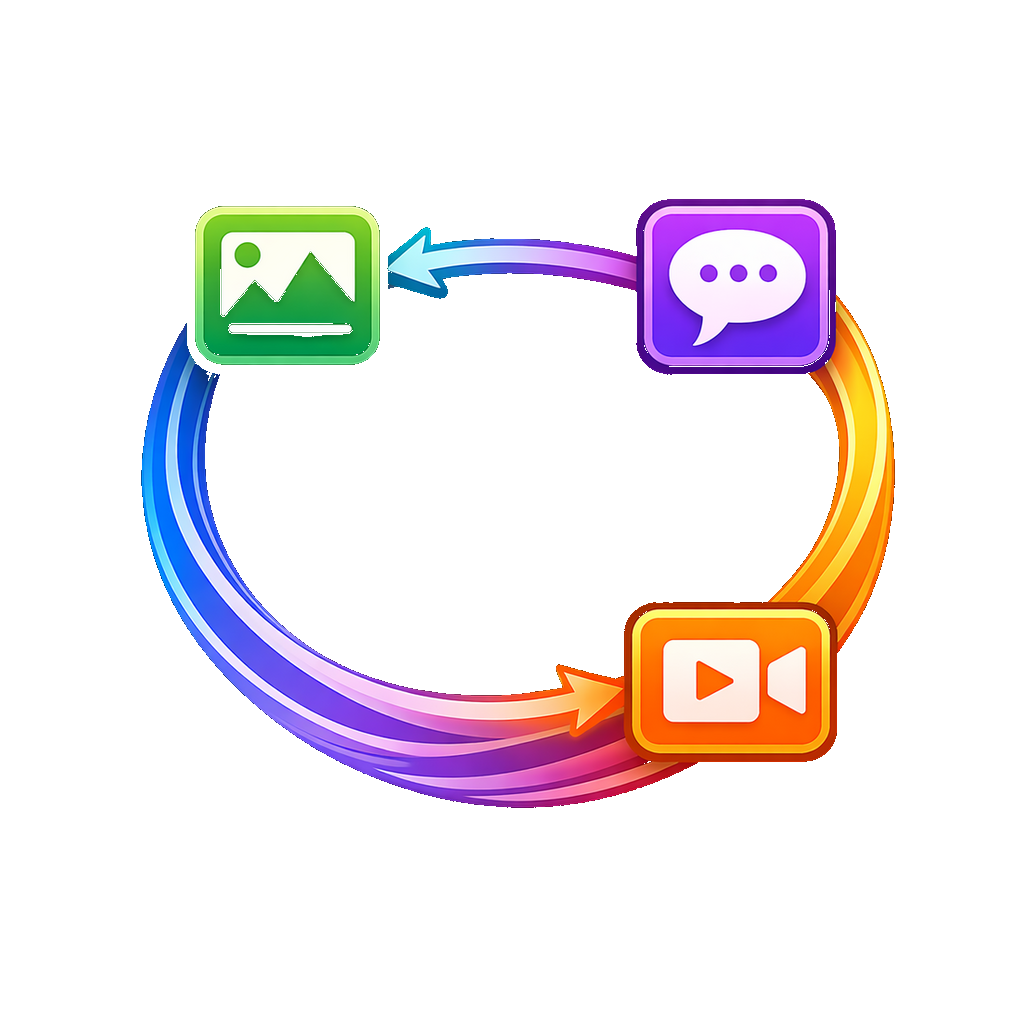
Share an idea — A rough thought, a reference or your own material is enough to start the conversation.
Find a direction — Explore story, mood and style together. Choose what fits, combine suggestions or let the assistant take the creative lead.
Make and refine — Turn the direction into editable work. Review the production plan and costs, then create, review and change the parts you choose.
Build on what works — Download the result, explore another version or save the method for your next project.
Keep the method. Develop the next idea
Your scripts, inputs and results stay editable. Save the steps, prompts and settings as a Flow to build on with new material or another version.
Compare different hooks, languages and lengths in one project. Keep what works and refine a version without rebuilding your production steps.
A saved Flow preserves your production steps, prompts and settings so you can use the method with new material. It does not automatically remember every conversation, and a saved method does not guarantee identical generated results.